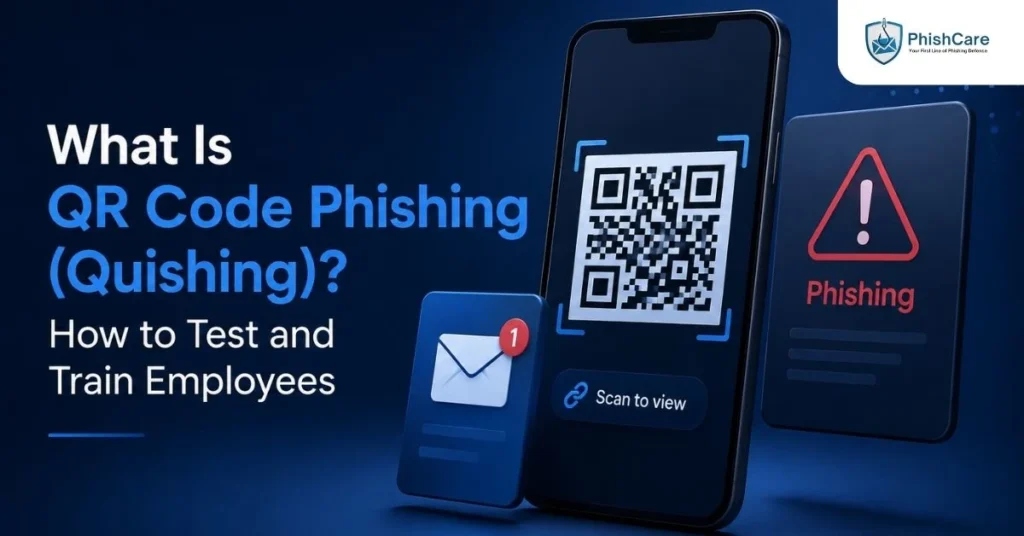
A QR code hides its destination until the moment you scan it. That single property, invisible until acted on, is exactly why attackers have shifted toward it so aggressively. QR code phishing, known as quishing, embeds a malicious link inside a QR code instead of a clickable URL, letting it slip past the email security tools built to catch suspicious links.
This guide covers what quishing is, why it has grown so quickly, what it actually looks like in practice, and how organizations can start testing and training employees against it.
In Short: Quishing is phishing delivered through a QR code instead of a text link. Because the destination is hidden until scanned, it bypasses most email security filters, and because scanning has become second nature, most people do it without a second thought.
What Is QR Code Phishing?
QR code phishing, or quishing, is a phishing technique that replaces a traditional clickable link with a QR code. The victim sees an image rather than a URL, and only discovers where it leads after scanning it with their phone. That single design detail, hiding the destination behind an image, is what makes quishing structurally different from ordinary phishing.
The attack can appear in an email, a text message, a printed flyer, or physically stuck over a legitimate QR code in a public location, such as a parking meter or a restaurant table.
Why Quishing Is Growing So Fast
Quishing has moved from a niche tactic to a mainstream one in a short period. According to Microsoft’s Q1 2026 Email Threat Landscape Report, based on analysis of over 8.3 billion email-based phishing threats , QR code phishing rose 146 percent in the first quarter of 2026 alone, as attackers shifted tactics specifically to bypass improved email defenses.
A few structural reasons explain why quishing has scaled so quickly:
It bypasses link-scanning security tools. Most email security gateways are built to scan and flag suspicious URLs. A QR code is just an image to most of these systems, so the malicious destination goes undetected.
It moves the attack to a personal device. Once scanned, the victim is usually redirected to a phishing page on their phone, outside any corporate security tooling that might exist on their laptop.
Scanning feels routine and safe. QR codes are now part of everyday life: restaurant menus, parking payments, event check-ins. That familiarity has lowered people’s natural caution.
It works in physical spaces, not just inboxes. A malicious sticker placed over a legitimate QR code requires no technical hacking at all, just a printer.
What Quishing Actually Looks Like
According to the FBI’s Internet Crime Complaint Center public service announcement on tampered QR codes , cybercriminals tamper with both digital and physical QR codes to redirect victims to malicious sites that steal login and financial information, and in some cases embed malware that gives attackers access to the victim’s device.
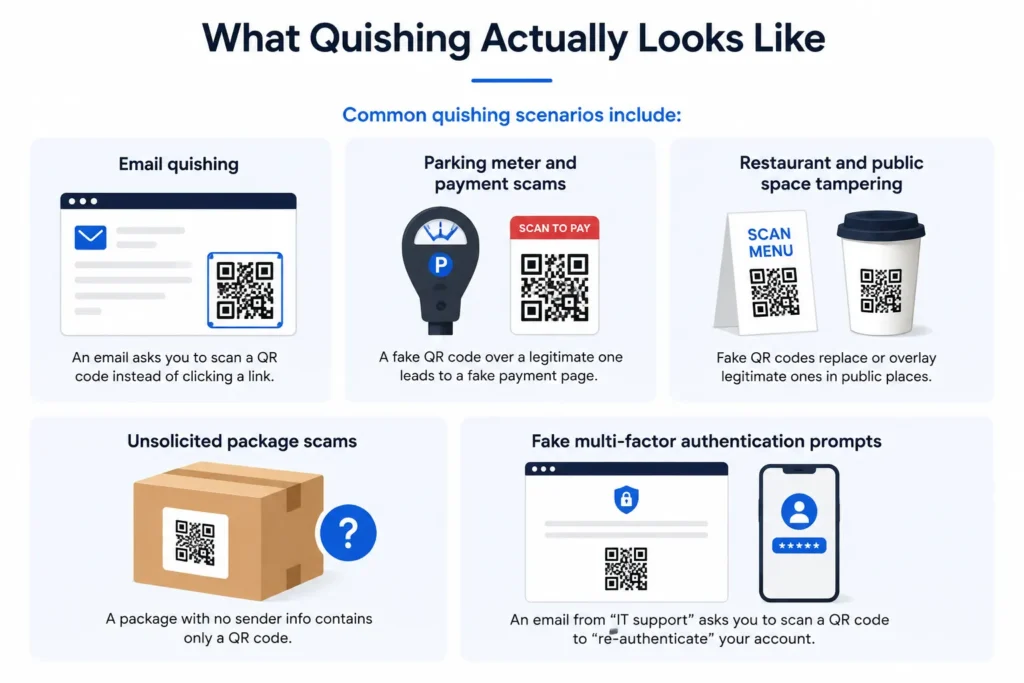
Common quishing scenarios include:
Email quishing. An email claiming to be a delivery notice, a document requiring signature, or a multi-factor authentication reset asks the recipient to scan a QR code instead of clicking a link, specifically to avoid triggering link-scanning security tools.
Parking meter and payment scams. A sticker with a fraudulent QR code is placed over a legitimate one at a parking meter or payment kiosk, redirecting victims to a fake payment page that captures card details.
Restaurant and public space tampering. Fake QR codes replace or overlay legitimate ones on menus, flyers, or event signage in high-foot-traffic locations.
Unsolicited package scams. A package with no sender information arrives containing only a QR code, encouraging the recipient’s curiosity to override their caution before scanning.
Fake multi-factor authentication prompts. An email impersonating IT support asks the employee to scan a QR code to “re-authenticate” their account, leading to a credential-harvesting page.
Why Quishing Is Especially Effective Against Employees
Workplace quishing succeeds for a reason beyond the general public risk: employees are trained to be cautious about clicking links, but that training rarely extends to QR codes specifically. An email that would raise suspicion with an obvious link can look completely routine with a QR code instead, since the destination stays hidden until the phone’s camera opens it.
This gap matters because quishing is often paired with the same urgency and impersonation tactics used in traditional phishing, an IT department requesting re-authentication, a delivery service confirming an address, a document requiring a signature. The QR code is simply the delivery mechanism swapped in specifically because it slips past the defenses employees and their security tools have been trained to watch for. This mirrors a broader pattern seen in other emerging techniques, including the ClickFix attack , where success comes from exploiting a legitimate-looking process rather than an obviously suspicious one.
How to Recognize and Reduce Quishing Risk
A few practical habits significantly reduce quishing risk, without requiring any special technical tools:
Treat unexpected QR codes with the same caution as unexpected links. If an email or text would look suspicious with a clickable link, it should look equally suspicious with a QR code instead.
Check for physical tampering. A sticker slightly misaligned or layered over an existing QR code on a parking meter, menu, or public sign is a common sign of tampering.
Preview the URL before proceeding. Most modern phone cameras show a preview of the destination URL before opening it. Take the extra second to read it.
Avoid entering sensitive information immediately after scanning. If a scanned code leads to a login page or payment form unexpectedly, verify through an official app or known website instead of proceeding directly.
Report suspicious QR codes the same way suspicious emails get reported. Building this habit into existing phishing reporting workflows keeps the response consistent across every attack channel.
Testing Employees Against Quishing
Because quishing succeeds by evading the exact defenses employees have been trained to rely on for traditional phishing, testing for it requires including QR-based scenarios specifically, not assuming link-based training automatically transfers. Running realistic quishing scenarios as part of a broader phishing test for employees shows whether your team pauses before scanning an unexpected code, the same way testing works for any other technique that exploits a gap in existing awareness.
Tracking how employees respond to quishing attempts alongside other phishing channels feeds into a more complete employee phishing risk score , since an employee who is cautious with email links but scans QR codes without a second thought represents a real, measurable gap that link-only testing would miss entirely. For a broader look at how QR-based attacks fit alongside other channels like SMS, our guide on smishing covers the mobile-first phishing pattern quishing is part of.
Final Thoughts
Quishing works because it exploits a blind spot most organizations never built defenses for: a QR code looks harmless precisely because it hides its destination until someone acts on it. As attackers continue shifting tactics specifically to route around improved email filtering, the channels that still feel routine and unmonitored, QR codes among them, will keep absorbing more of that traffic. Recognizing the pattern is the first step toward closing the gap.
FAQ
What is quishing?
Quishing is phishing delivered through a QR code instead of a traditional clickable link. Because the destination stays hidden until the code is scanned, it frequently bypasses email security tools designed to detect suspicious URLs.
Why has quishing increased so much recently?
Quishing has grown rapidly as attackers specifically shift tactics to bypass improved email link-scanning defenses. Microsoft’s own threat intelligence reported a 146 percent increase in QR code phishing in the first quarter of 2026 alone.
Where do quishing attacks typically happen?
Quishing appears in phishing emails, text messages, and physical locations such as parking meters, restaurant menus, and event signage, where a fraudulent QR code sticker can be placed directly over a legitimate one.
How can I tell if a QR code is safe to scan?
Check for signs of physical tampering, such as a sticker layered over the original code, and use your phone’s URL preview feature before opening the link. Treat an unexpected QR code with the same caution you would apply to an unexpected link.
Can employees be trained and tested against quishing specifically?
Yes. Because quishing exploits a different blind spot than traditional email phishing, effective training and simulation need to include QR-code-specific scenarios rather than assuming general phishing awareness automatically covers it.
Quishing is one more way attackers are working around traditional defenses. Testing your team’s broader phishing awareness, including how they respond to unfamiliar request types, starts with a free PhishCare demo account , no credit card required.
Content Reviewed By

Nawaz is a practising security analyst specializing in phishing simulation campaigns, employee awareness assessments, red team exercises, and ethical hacking.
He leads phishing simulation deployments at PhishCare, a product developed by CyberSapiens, with hands-on experience evaluating and deploying phishing simulation tools across organizations in multiple industries and regions globally.
View LinkedIn Profile